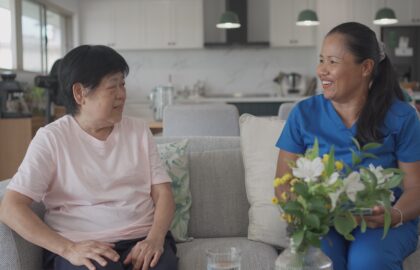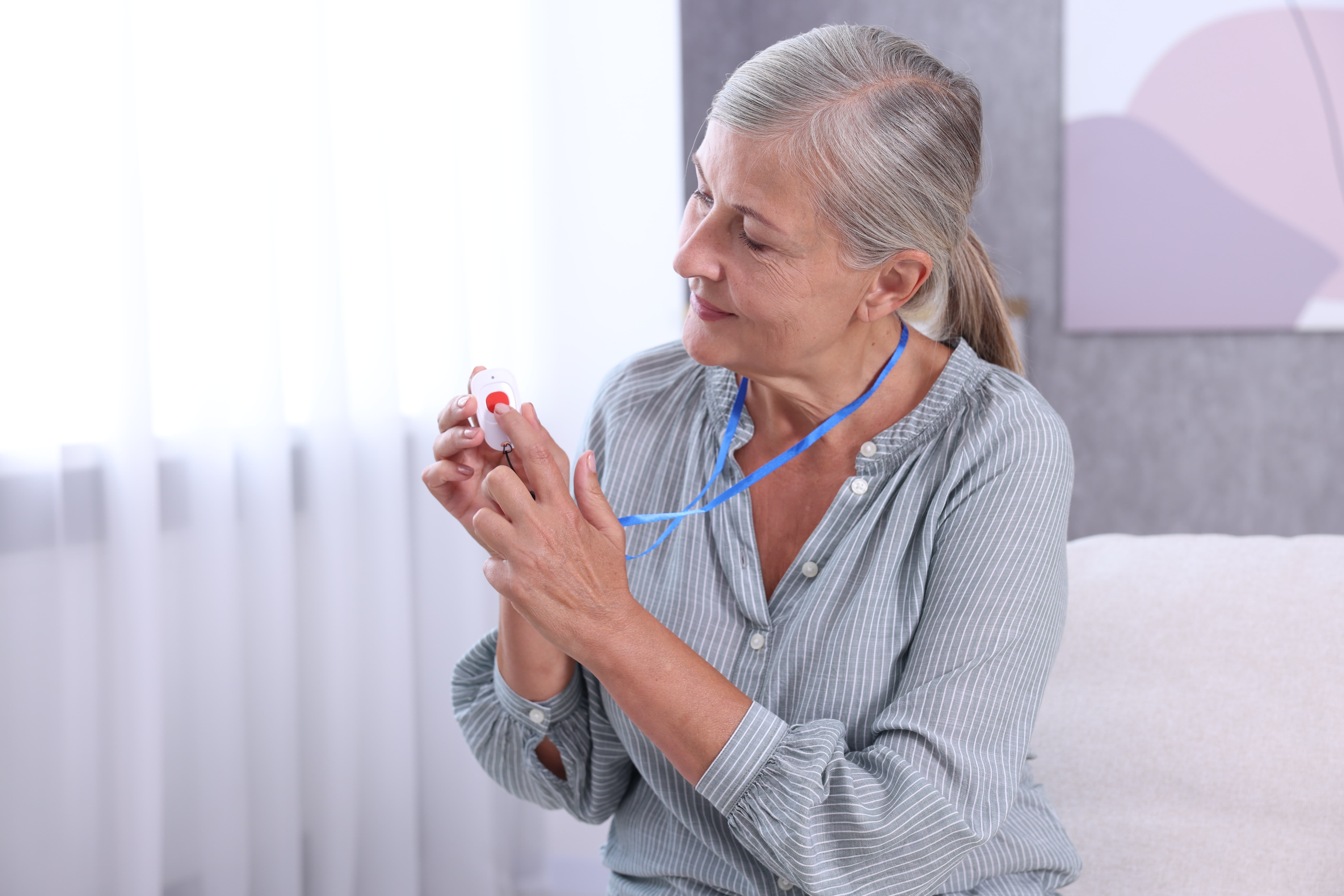
Giving your loved ones the opportunity to age at home allows them to maintain their routines and keep their independence. Yet, it’s natural to feel worried about them, especially following a fall or medical procedure. That’s why many families include medical alert systems in their daily lives: the technology can help alert them, caregivers, or medical professionals to falls or medical emergencies.
With so many medical alert systems to choose from, we’ve compiled a comprehensive guide for the options. We list the honest pros and cons so you can choose the option that best suits your family.
How to Choose a Medical Alert System
It can be difficult to distinguish genuine medical alert systems that could help protect your family from mere marketing claims. To keep this guide practical and trustworthy, we focused on criteria that reflect how seniors live realistically day-to-day and on what usually matters most to families when it comes to safety and reliability.
We selected the medical alert systems based on the criteria listed below:
- Ease of use: Simple buttons, clear audio, and minimal setup are especially helpful for seniors who may not be overly familiar with technology.
- Monitoring quality: Reliable 24/7 response with a preference for reliable connection to nearby monitoring centres that adhere to clear emergency protocols.
- Fall detection availability: Optional or built-in fall detection benefits seniors with a history of falls or existing mobility challenges.
- GPS and mobility needs: Supports seniors who leave the house regularly or travel.
- Budget considerations: A mix of price points, including notes on monthly fees, contracts, and upfront equipment costs.
- Lifestyle fit: Options that suit different routines, such as seniors who tend to stay at home, or those who prefer a discreet or wearable design when going out.
Each medical alert system meets these core criteria in a different way. As you review the list, consider where your parent spends most of their time, how independent they are, and how comfortable they would feel using the device daily. The best system is the one that fits into their life naturally, not the one with the longest list of features.
List of Recommended Medical Alert Systems
Lifeline: HomeSafe with Fall Detection

Lifeline HomeSafe with Fall Detection is a home-based medical alert system designed for seniors who spend most of their time indoors and want reliable support in case of a fall or medical emergency.
The system includes a lightweight pendant or wristband and connects directly to a base unit in the home. If the device detects a fall or someone presses the help button, the system connects the senior to a Canadian-based response centre, where trained associates stay on the line until help arrives.
It’s built for everyday use, with built-in backup power and waterproof wearables, essential in bathrooms where falls are most common.
Best for:
- Seniors who spend most of their days at home
- Those with a history of falls or balance challenges
- Older adults who prefer non-wearable tech
- Families who value long-standing, reputable Canadian-based monitoring
Pros and Cons
Pros |
Cons |
Automatic fall detection with AutoAlert
|
No GPS support for emergencies outside the home
|
Trusted Canadian provider with 50+ years of experience
|
Monthly fees can be higher than those of some competitors
|
24/7 monitoring answered in Canada
|
Limited mobility support compared to mobile systems
|
Waterproof pendant or wristband
|
Not ideal for seniors who travel frequently
|
Backup power during outages
|
Life Assure: Classic Home + Mobile GPS
Life Assure offers two medical alert systems designed to support seniors both at home and on the go. Both systems connect users to 24/7 professional monitoring, support two-way voice communication, and offer optional fall detection for added peace of mind.
The two options differ in mobility.

The Classic Home is designed for seniors who feel safest aging in place and want strong coverage throughout the house, including long-range from the base unit and extended backup power. The system also provides dependable in-home coverage using a base unit and water-resistant pendant or wristband.

The Premium Mobile Plus is built for independence outside the home. It extends that protection with cellular connectivity and GPS tracking, using Canada-wide cellular networks and GPS to help dispatch assistance wherever the wearer is.
Families often choose between the two based on how active their parent is, or choose to transition from home-based to mobile coverage as needs change.
Best for:
- Seniors who leave home frequently or run daily errands
- Older adults who split their time between locations or travel
- Families looking for in-home and mobile safety options from a single provider
- Individuals who prefer flexible, no-contract monitoring
Pros and Cons
Pros |
Cons |
Long backup power for the in-home system (Classic Home)
|
GPS not included with (Classic Home)
|
Optional fall detection on both systems
|
Upfront equipment costs can vary
|
Waterproof pendants suitable for bath or shower
|
Mobile plan may cost more than the in-home option
|
Canada-wide monitoring and GPS (Premium Mobile Plus only)
|
Mobile device requires regular charging
|
No long-term contracts or activation fees
|
Medical Guardian MGMove Smartwatch

The Medical Guardian MGMove Smartwatch is a medical alert system that looks and functions like a modern smartwatch. Designed for seniors who are comfortable with wearable technology, MGMove provides 24/7 monitored emergency support, two-way voice communication, and optional automatic fall detection. Built-in GPS and cellular connectivity allow users to get help while relaxing at home or out with friends and family, without needing a smartphone.
What sets MGMove apart is its excellent mix of battery life and lifestyle features, such as step tracking, weather updates, reminders, and optional messaging. These tools help seniors remain independent, stay active by following a structured routine, and stay connected with family members.
Caregivers can also view location updates and activity data through an online portal. Reassuring families that their loved ones are being looked over without intrusion. offering reassurance without being intrusive.
Best for:
- Active seniors who regularly leave the house
- Older adults who are comfortable using wearable technology
- Individuals who want safety features without a traditional pendant
- Families who value GPS tracking and activity insights
Pros and Cons
Pros |
Cons |
Stylish smartwatch design that blends in and remains discreet
|
Higher monthly cost than basic alert systems
|
GPS tracking for on-the-go protection
|
Requires daily charging
|
Two-way calling directly from the wrist
|
Not ideal for seniors uncomfortable with tech
|
Step tracking, reminders, and weather tools
|
The touchscreen may feel small for some users
|
Waterproof and suitable for shower use
|
Lifeline On the Go

Lifeline On the Go is a mobile personal emergency response system designed for seniors who want protection inside and outside their homes. Worn as a pendant, the device connects directly to Lifeline’s Canadian-based response centre and offers two-way voice communication through the button. If the device detects a fall or the user pushes the help button, professional associates respond to the alert, assess the situation and coordinate support, all while staying on the line until help arrives.
On the Go uses GPS and Wi-Fi technologies to help pinpoint a user’s location across Canada. It’s waterproof so that it can be worn at all times, including in the shower, making it a viable fit over smartphones. While it requires regular charging and cellular coverage to function, it offers seamless support for seniors who remain active but want reassurance wherever they go.
Best for:
- Seniors who are active at home and in the community
- Individuals at risk for falls who want automatic detection
- Seniors who are active at home, as well as in the community by volunteering, socializing, or running errands on their own
- Families seeking Canadian-based monitoring with mobile coverage
Pros and Cons
Pros |
Cons |
Advanced automatic fall detection
|
Higher monthly cost than in-home-only systems
|
GPS + Wi-Fi locating across Canada
|
Pendant is larger than standard home buttons
|
Two-way voice communication built into device
|
Battery lasts two to three days, but they recommend daily charging
|
Waterproof and wearable at all times
|
Requires cellular coverage to function
|
24/7 Canadian-based monitoring
|
Telus Health Medical Alert Pendant

The TELUS Health Medical Alert Pendant is a mobile medical alert device designed to provide protection both at home and across Canada. Worn as a necklace or clipped to a belt, the pendant offers 24/7 availability to trained Medical Alert operators through built-in two-way voice communication. State-of-the-art fall detection and advanced Canada-wide location tracking enable the device to quickly connect users to assistance.
What sets this device apart are its features, including up to six days of battery life on a single charge, one of the longest among mobile systems in Canada. Users can cancel an accidental alert before unnecessary emergency dispatches. The included Caregiver Mobile App allows loved ones to view location updates and battery status, offering reassurance without constant check-ins. For seniors already connected to TELUS services, this option integrates easily into their existing account structure.
Best for:
- Families who want caregiver app visibility and long battery life
- Existing TELUS Home or Koodo customers willing to commit to a 1-year term
- Seniors who want Canada-wide protection at home and on the go
- Active older adults at risk for falls
Pros and Cons
Pros |
Cons |
Advanced automatic fall detection
|
Only available to TELUS or Koodo customers on eligible plans
|
Canada-wide GPS location tracking
|
1-year term required for advertised pricing
|
Up to 6 days of battery life
|
$35 activation fee applies
|
Call cancellation feature
|
|
Caregiver Mobile App included
|
|
Waterproof and lightweight design
|
Comparison of Recommended Medical Alert Systems
Product |
In-Home or Mobile |
Fall Detection |
GPS |
Monitoring |
Price Range* |
Best For |
Lifeline HomeSafe |
In-home
|
Yes, with AutoAlert
|
No
|
Canada-based |
~$45/month
|
Seniors at home
|
Life Assure Classic Home |
In-home
|
Optional
|
No
|
24/7 monitoring
|
$34.95/month
|
Aging in place
|
Life Assure Premium Mobile Plus |
Mobile
|
Optional
|
Yes
|
24/7 monitoring
|
$54.95/month
|
Active seniors
|
Medical Guardian MGMove |
Mobile- Smartwatch
|
Optional
|
Yes
|
24/7 monitoring
|
$38.95 /month
|
Techy seniors
|
Lifeline On the Go |
Mobile
|
Yes
|
Yes
|
Canada-based |
~$44.95/month
|
Prone to falls
|
TELUS Health Pendant |
Mobile
|
Yes
|
Yes
|
24/7 operators
|
$55/month |
TELUS clients
|
Price ranges vary by contract terms, promotions, and optional add-ons.
Key Features to Consider When Comparing Systems
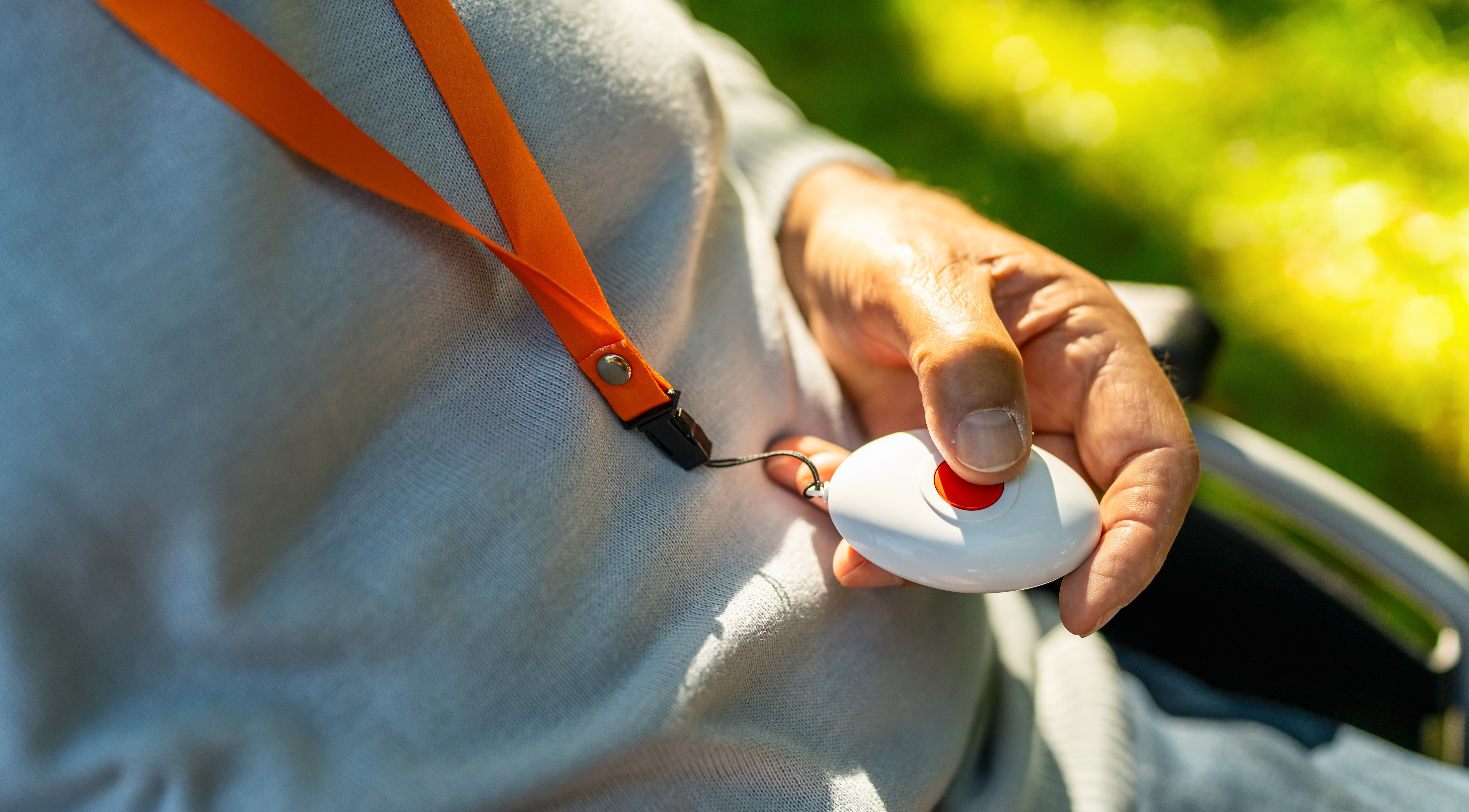
As you compare options, you’ll notice certain features appear often. Understanding how they can impact may make the decision easier.
- Fall detection: Some systems include it automatically, while others offer it as an upgrade. Sensitivity levels, false alert handling, and response procedures may vary.
- GPS tracking: Mobile systems rely on GPS, cellular, and sometimes Wi-Fi positioning to locate a user. Coverage strength and accuracy depend on network availability in your parents’ area.
- Waterproof rating: Many devices are water-resistant or waterproof, which matters most in bathrooms and showers where falls frequently occur.
- Battery life: Some devices last one to three days, while others can last up to 6 days. Charging routines matching your parents’ habits make it easier to maintain.
- Contract vs. no contract: Some providers offer month-to-month service, while others require a term commitment.
- Caregiver apps: Many mobile systems include portals or apps that let family members view location, battery status, and activity data.
Pairing Medical Alerts with In-Home Support
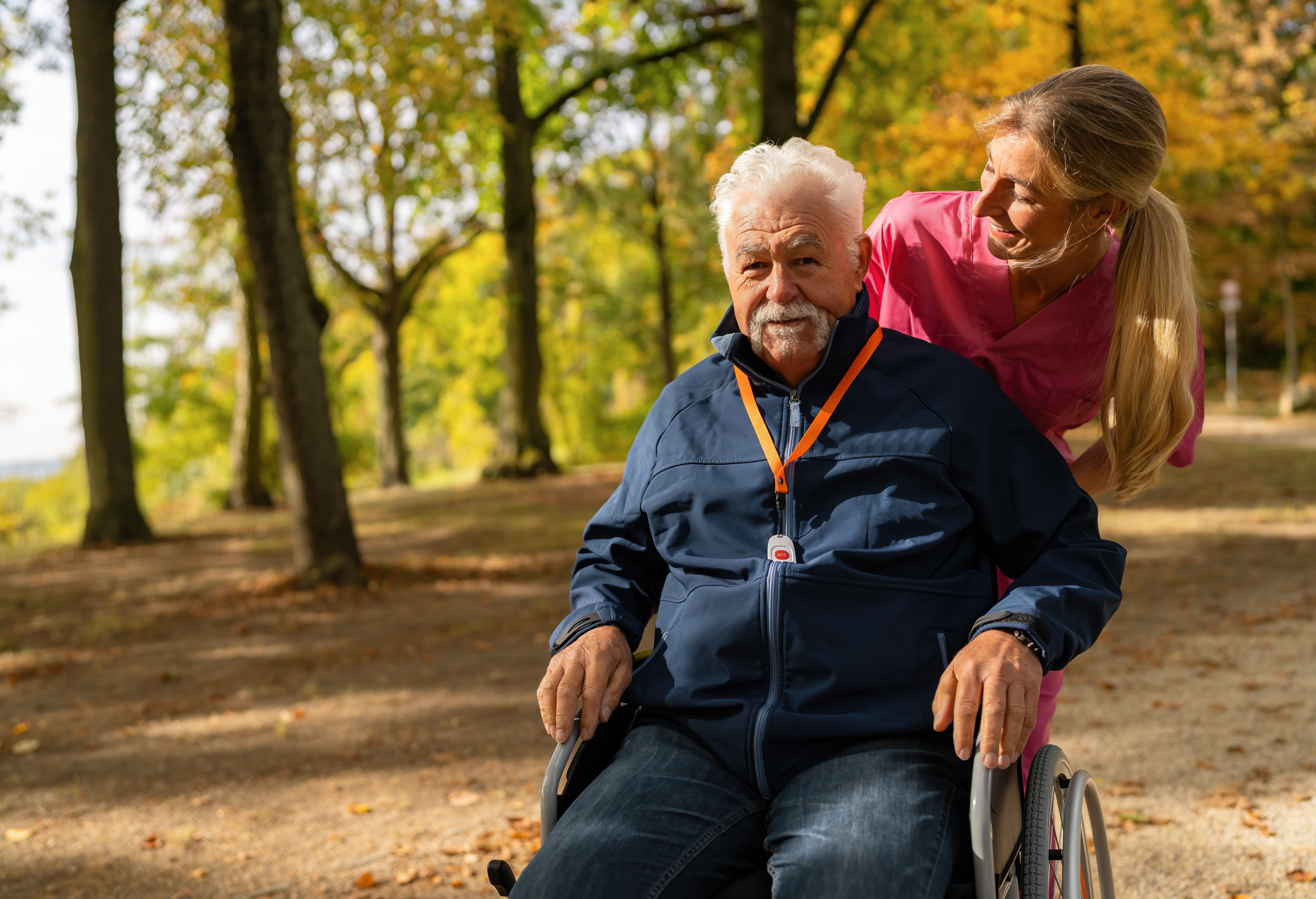
Medical alert systems are powerful safety tools. But technology works best when paired with real human support.
While an alert button can call for help after a fall, it cannot prevent falls, assist with mobility, or support daily routines. That’s where in-home care becomes essential.
Professional caregivers can help with:
- Fall prevention strategies and safer home setups
- Mobility support and safe transfers
- Medication reminders and daily health monitoring
- Meal preparation and nutrition support
- Personal care, such as bathing and dressing
- Companionship to reduce isolation
For seniors managing memory challenges, specialized Alzheimer’s and dementia care can support routines and offer attentive supervision. Families needing overnight reassurance may explore overnight care, while those requiring continuous support may benefit from 24/7 care or hourly care. When health needs become more complex, nursing care and live-in care services can provide added oversight.
Choosing What Feels Right for Your Family
The best medical alert system is the one your parent will wear and feel comfortable using. Some seniors feel safest with a simple in-home button, while others value the independence of GPS-enabled mobile coverage.
Assurance Home Care works with families to determine the right combination of medical alert technology and personalized in-home support. The result is greater safety, reduced stress for loved ones, and the ability for families to step back into their role as family, not full-time caregivers.
If you’re unsure where to begin, we can help you determine whether a medical alert system is enough or if added in-home support would provide greater peace of mind. Reach out to our team to schedule a safety assessment or learn more about how personalized care can complement your parents’ independence at home.
About The Author
Stephen Bleeker
Stephen Bleeker is dedicated to redefining senior care as the CEO and founder of Assurance Home Care. His passion for enhancing the quality of life for seniors is at the heart of the company’s mission, which focuses on supporting aging in place through compassionate, personalized care. With a diverse background spanning music, lifestyle, and entertainment, Stephen brings a unique blend of creativity and strategic insight to the healthcare industry. His knack for innovation, customer experience, and holistic marketing has consistently led to exceptional outcomes, making him a dynamic leader who’s transforming how care is delivered.